How to block the radio at certain times (Access Control)
Besides countries, Access Control accepts time windows: the block only applies inside them. Weekly or on a specific date, in the radio's time zone, including across midnight.
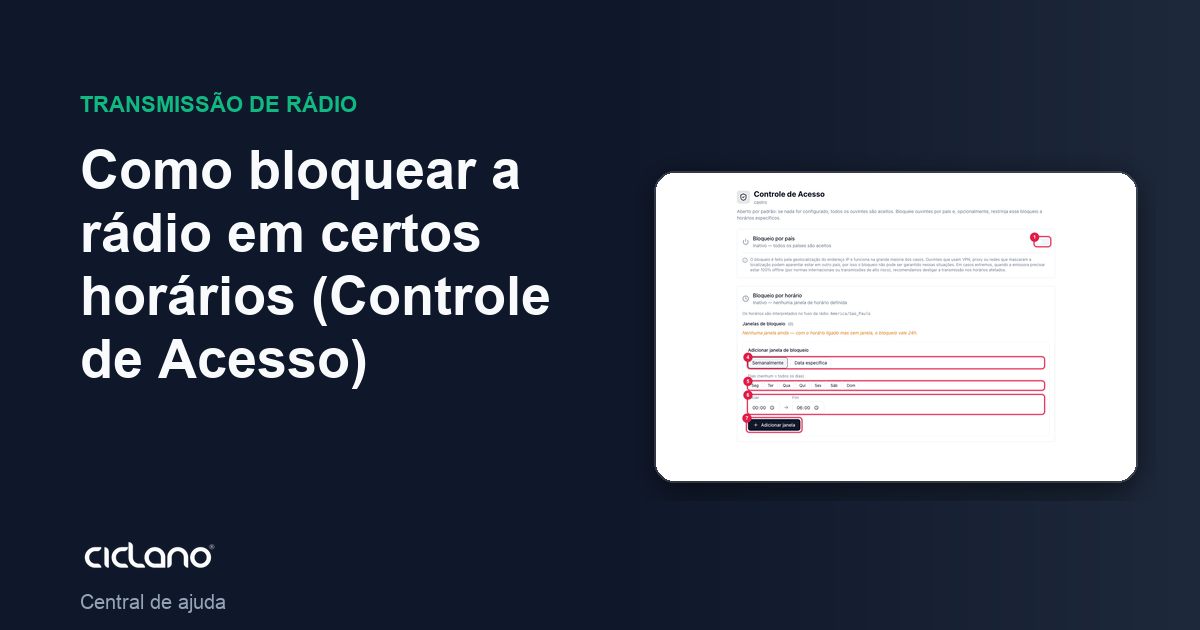
Time blocking restricts the country block to certain hours: outside the windows, everyone listens; inside them, the countries rule applies. It is the case of the radio that broadcasts a game with rights only for Brazil from 4 pm to 6 pm, or of a show that cannot go out of the country.
Where it is: Applications › your radio › Access Control › Time blocking.
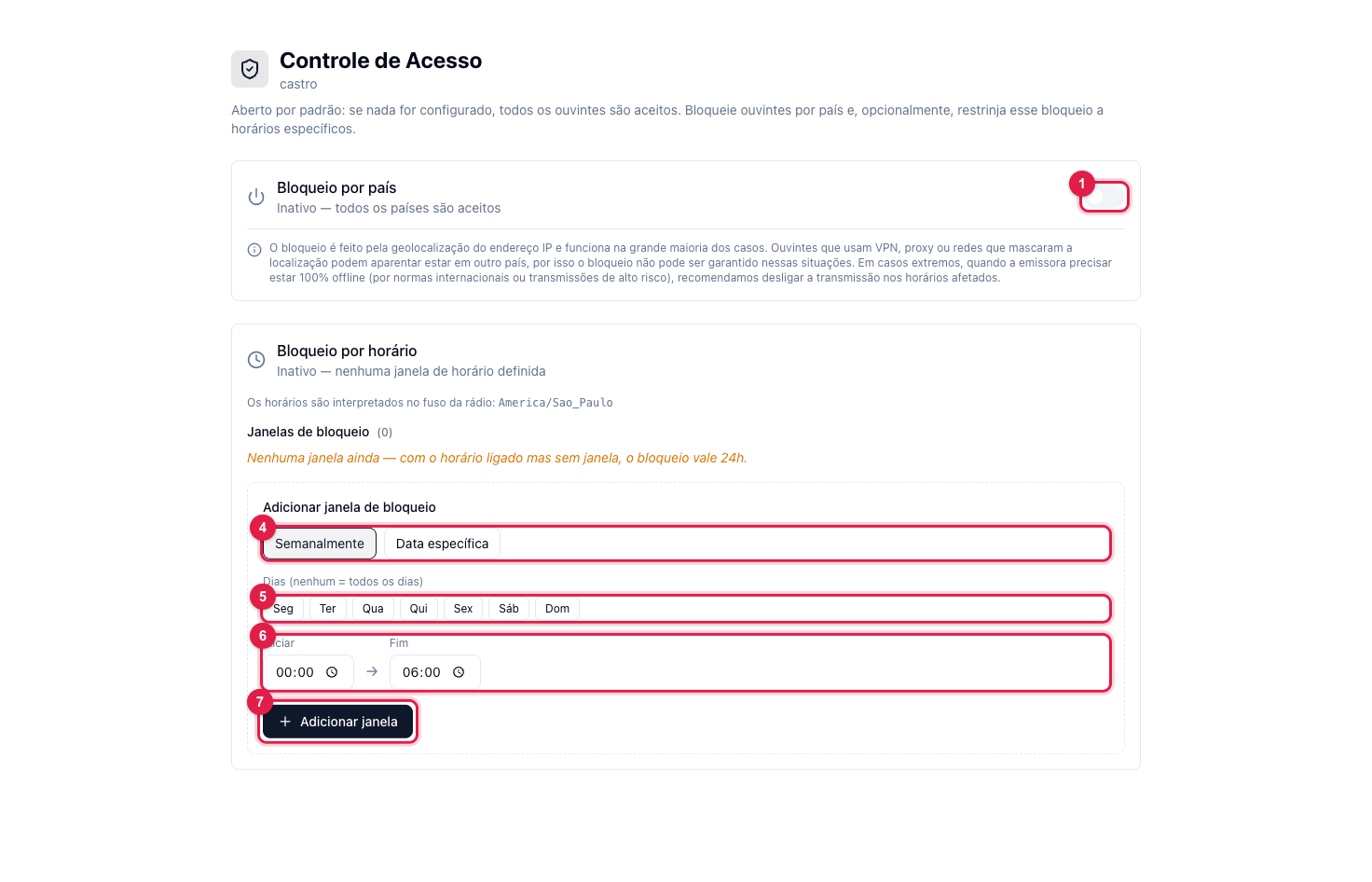
The numbers in parentheses refer to the image.
Create a blocking window
- Set the countries first (How to block or allow countries): the window says when the block applies; the countries say who is blocked.
- In Add blocking window, choose Weekly (repeats every week) or Specific date (a single day) (4).
- In weekly mode, click the days (5). No day checked = every day.
- Set Start and End (6). A window that crosses midnight (22:00 → 06:00) is accepted, and the screen notes "crosses midnight".
- Click Add window (7). It enters the Blocking windows list and the section's switch turns on by itself.
Create as many windows as you need. To remove one, use the remove button on its row; Turn off / clear deletes all of them and turns off time blocking.
Rules that apply
- Times are in the radio's time zone, shown on the screen itself (for example America/Sao_Paulo).
- With time blocking on and no window, the block applies 24 hours — the screen warns in red.
- Windows are applied by a periodic sync: the turn of a window can take a few minutes to reach the server.
What to do if…
- The window did not block. Check whether there are countries checked: with no country, the window blocks nobody.
- It blocked outside the time. Check the radio's time zone on the screen and whether a window ended up "crossing midnight" by mistake.