Live Studio styles: brand color, theme, font and camera frame
The Styles tab sets the visual identity of the live: brand color, element theme (Classic, Bubble, Minimal, Block), font, camera shape and size, and how each participant's name appears on screen.
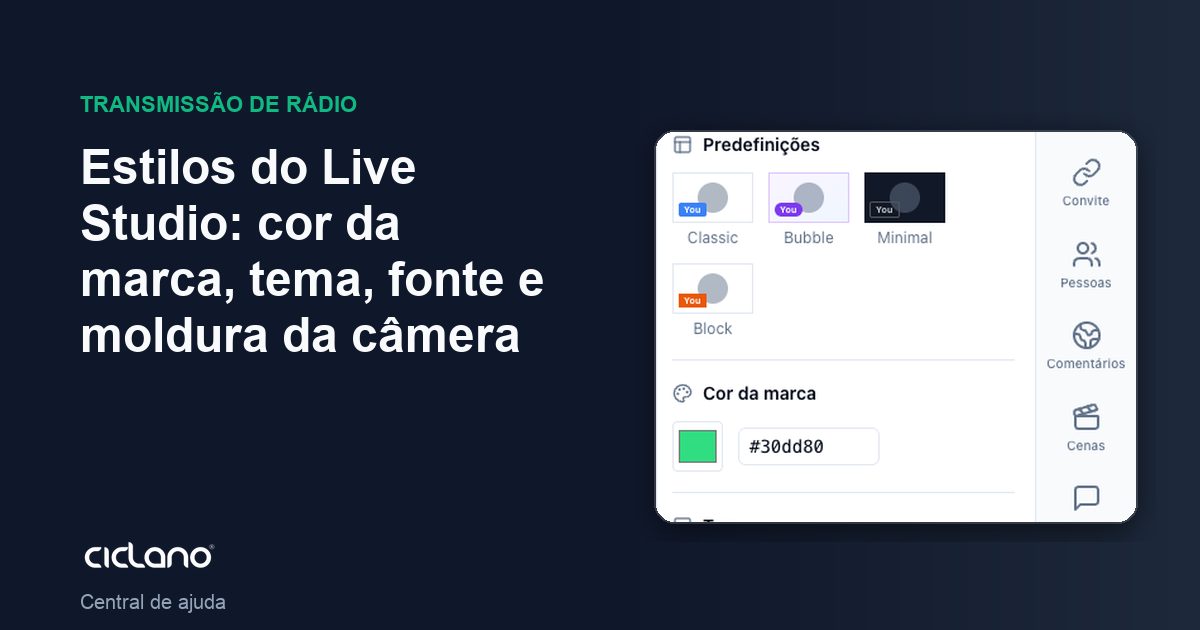
Banners, name labels and frames follow a single set of choices, so the live looks like it was made with one design. That is the Styles tab.
Where it is: Live Studio › Styles tab.
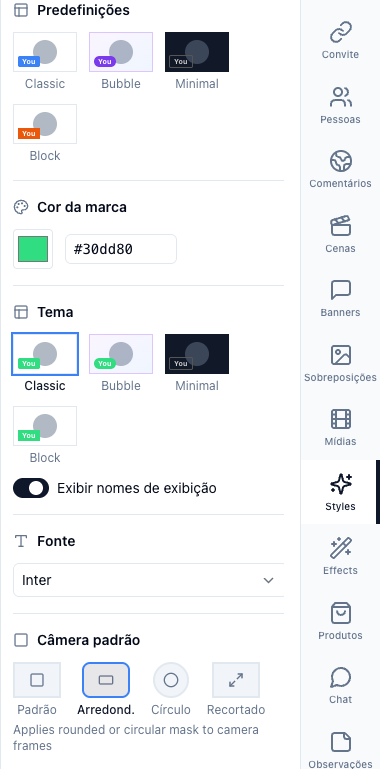
The numbers in parentheses refer to the image.
Presets and theme
The presets (Classic, Bubble, Minimal, Block) apply a ready-made set. The theme changes the design of the elements: Classic is the traditional strip, Bubble is rounded, Minimal is text only, Block is the solid box.
Brand color and font
The brand color (picker or hex code) colors banners, labels and details. The font applies to all text on screen: Inter, Arial, Helvetica, Georgia, Times, Courier, Verdana, Impact or the theme default.
Default camera
Frame: Default (rectangular), Rounded, Circle or Cut-out — the circle is the podcast and reaction classic. Camera size: from 25% to 200%, so the camera takes less room over a shared screen, for example.
Name on screen (Displays)
Show display names turns the label with each participant's name on or off. Below, the background and text color, the size (10 to 70 px) and the position (left, center, right) of the label. In Participants in the room you edit each one's name — including yours — without leaving the studio.
Changes show on the canvas right away and are saved in the application.