Social comments, chat and notes in Live Studio
Three tabs for what is said during the live: Comments (from the social networks, which you can show on screen), Chat (private conversation between you and the participants) and Notes (your own notes, saved automatically).
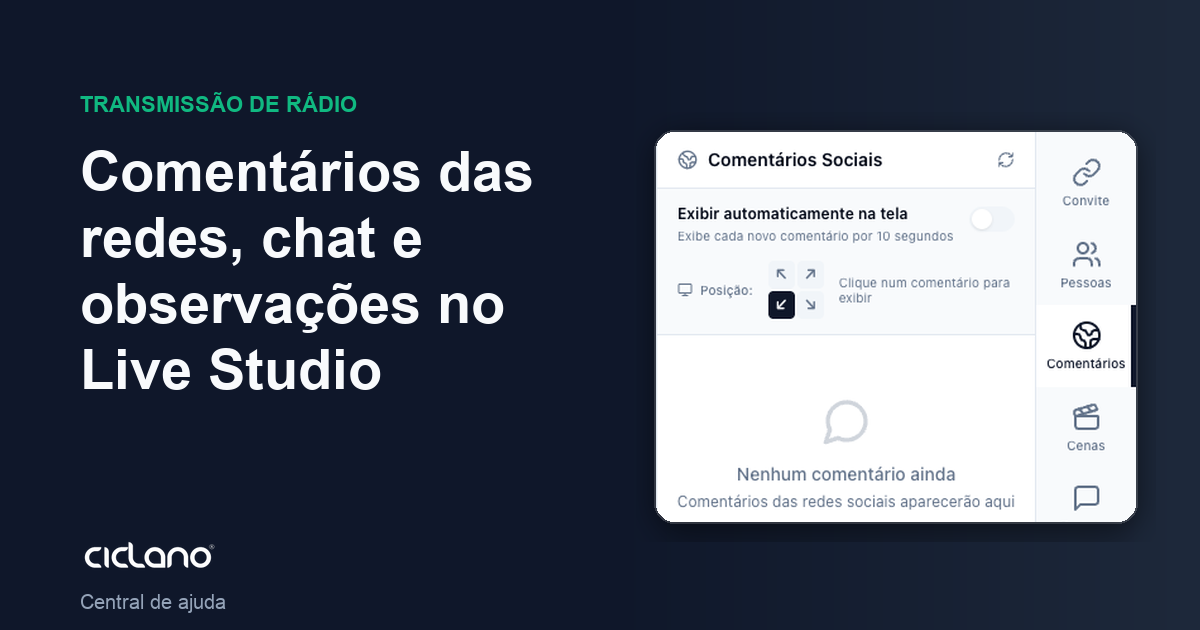
Whoever presents needs to read the audience, coordinate with the guest and remember the script without leaving the screen. Each thing has its tab.
Where it is: Live Studio › Comments, Chat and Notes tabs.
Social comments
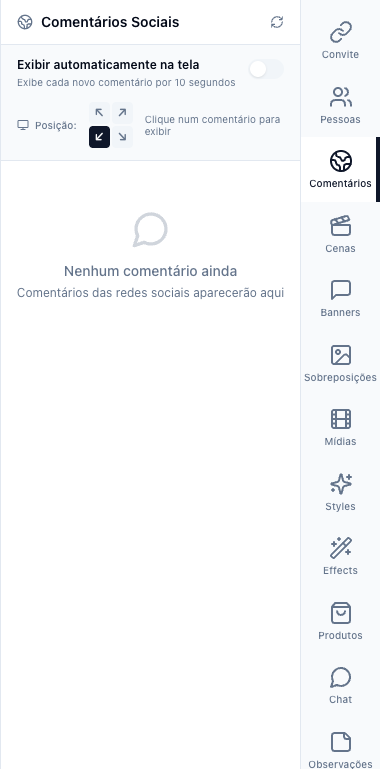
The numbers in parentheses refer to the image.
With the live on air on YouTube or Facebook, the comments arrive here (1). Click a comment to show it on screen, with name and photo, in the corner chosen in Position; click again to remove it. Auto display shows each new comment for 10 seconds without you doing anything — good for Q&A lives. What each network delivers (profile without name, group without comments) is in Live comments.
Chat
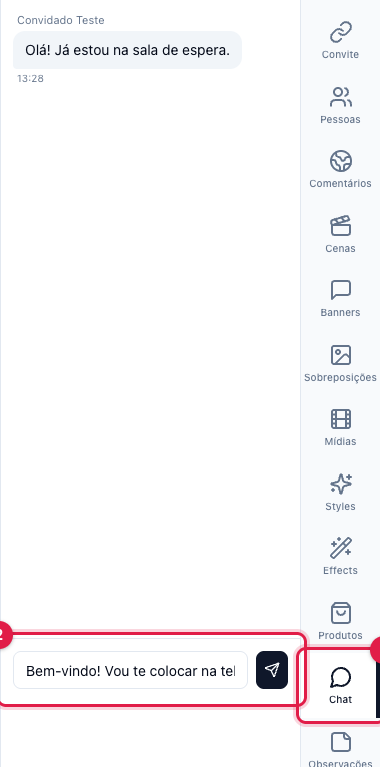
The Chat (1) is between you and the participants in the room — the audience does not see it. Use it for "you're on in 2 minutes", "speak closer to the mic", "next question is about pricing". The guest has the same chat on their screen. Type in the field (2) and send.
Notes
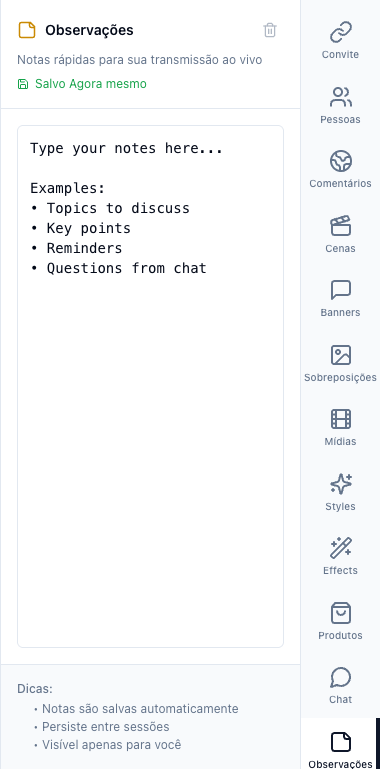
Notes (1) is your notepad: script, topics, reminders, questions that came in by WhatsApp. It saves by itself as you type, stays between one live and the next, and only you see it. Clear all notes erases it.