Partner channels: how to let someone else relay your live without sharing passwords
Generate an authorization link in Destinations › Partner Channels; the other person opens it, signs in to their social network and chooses where your live will appear. The access can have an expiry or be permanent, and each authorized channel joins your destinations list.
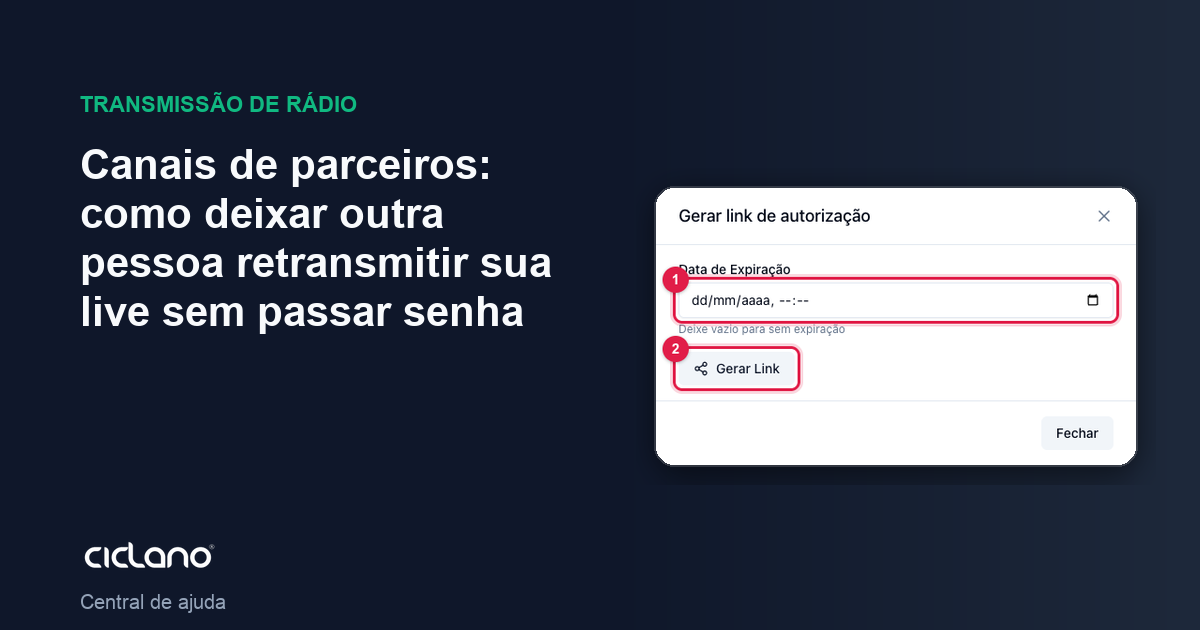
A partner station, a sister church, a sponsor: they want to show your live on their page, but you do not want their Facebook password and they do not want yours. The partner channel solves this with a link: the person authorizes their own account as a destination of your broadcast.
Where it is: Applications › your video application › Destinations › Partner Channels card › Generate Link.
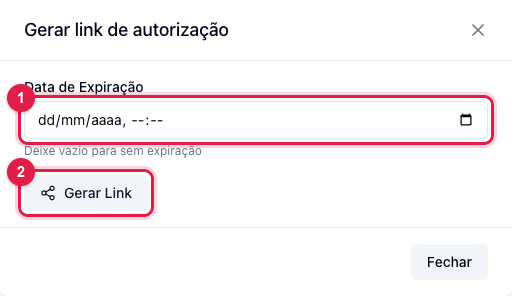
The numbers in parentheses refer to the image.
1. Generate the link
- Click Generate Link in the card.
- In Expiration Date (1), set until when the link can be used. Leave it empty for a link with no deadline.
- Click Generate Link (2).
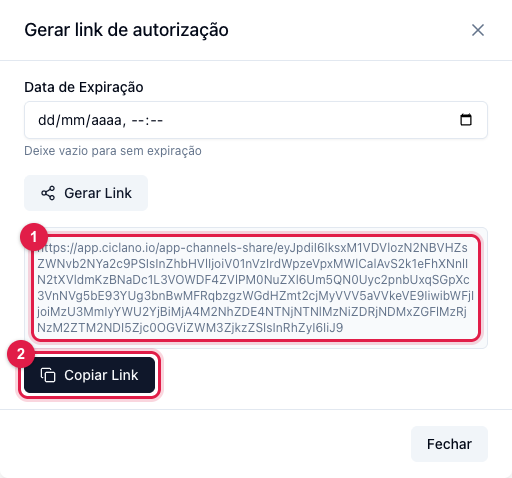
Copy the link (2) and send it to the person however you prefer. The link (1) is long and signed: it only works for your application.
2. What the partner does
- Opens the link and signs in to their social network (Facebook or YouTube). Signing in does not authorize anything yet.
- Chooses where your live will appear: their timeline, one or more pages. They can also choose the format (widescreen 16:9 or vertical 9:16).
- Sets until when the authorization is valid (or leaves it permanent) and saves.
3. On your side
Each place the partner authorized shows in the Partner Channels card as a channel of yours, with a checkbox. Mark it to receive the live; it counts toward the plan's channel limit like any other. You can unmark it, and you can remove the channel (the partner's authorization is undone). The partner, in turn, can revoke the authorization in their account at any time — when that happens, the channel stops publishing and the reason is in Logs › Channels.
Frequently asked questions
- Does the partner see my accounts? No. They only authorize theirs.
- Can I have several partners? Yes, one link for each, or the same link for several (each authorization becomes a channel).
- Who controls the title? You: it is your live, with your Title and Description.