Application storage: thumbnails, overlays and media
The Storage page shows the space used and every file uploaded to the application: YouTube thumbnails (which you can delete), Live Studio overlays and media (managed there). See how to search, view and delete.

Everything you upload to the video application — the live's thumbnail, an overlay logo, a Live Studio opening video — takes space and is listed here. It is the page to see what is stored and clean up what you no longer use.
Where it is: Applications › your video application › Storage.
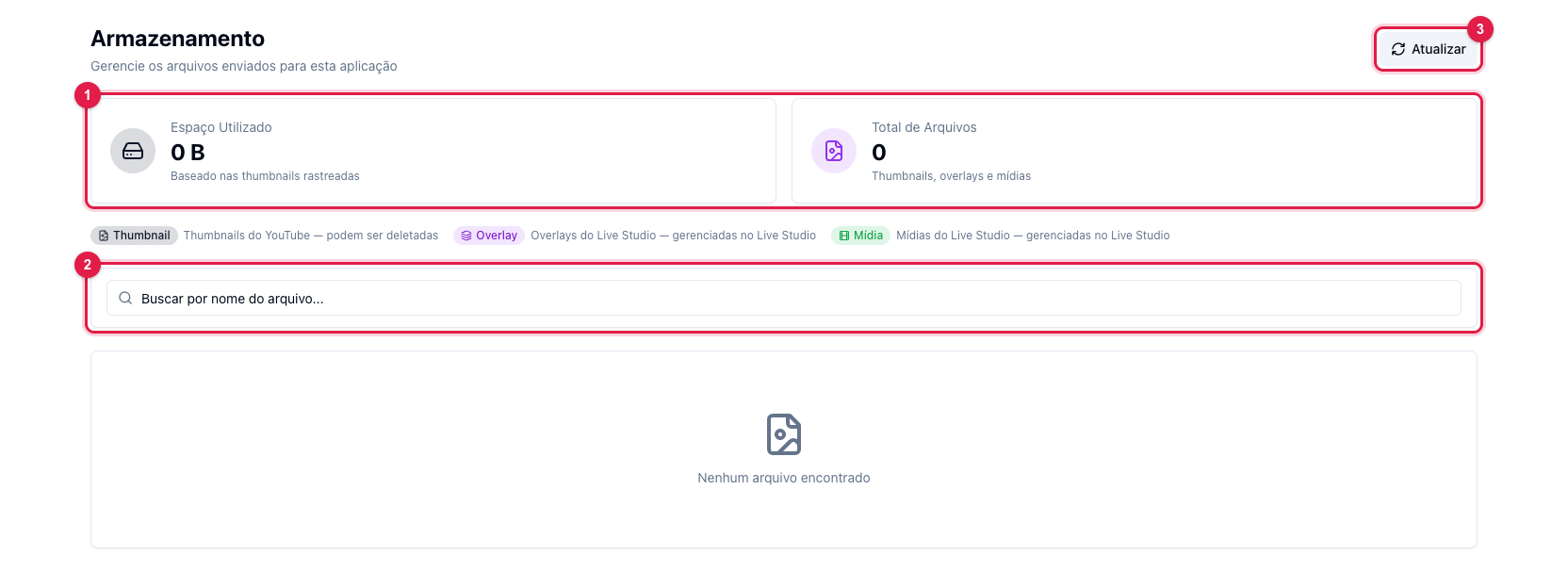
The numbers in parentheses refer to the image.
What shows
- Disk Used and Total Files (1) — the summary, considering the files tracked by the application.
- The list brings each file with thumbnail, name, type, size, upload date and status (In use or free). Use the search (2) to find by name and Refresh (3) to reload after uploading something on another screen.
The three types
- Thumbnail — the thumbnails uploaded in Title and Description (for YouTube). They can be deleted here, one by one or by selecting several; a thumbnail set as the next live's counts as in use and cannot be deleted until you change it.
- Overlay — logos, watermarks and images used in Live Studio. They show here for reference only; to delete, use Live Studio itself.
- Media — Live Studio videos and audio (opening, closing, background music). Also managed in Live Studio.
Delete
Hover a thumbnail's row and use the trash icon, or select several and click Delete selected. The panel refuses to delete a file in use and says why. Deleting is permanent.