How to turn your radio's AutoDJ on, off and restart it
Where the switch and the Start, Stop, Restart and Skip buttons of AutoDJ are, when to use each one and what the listener notices.
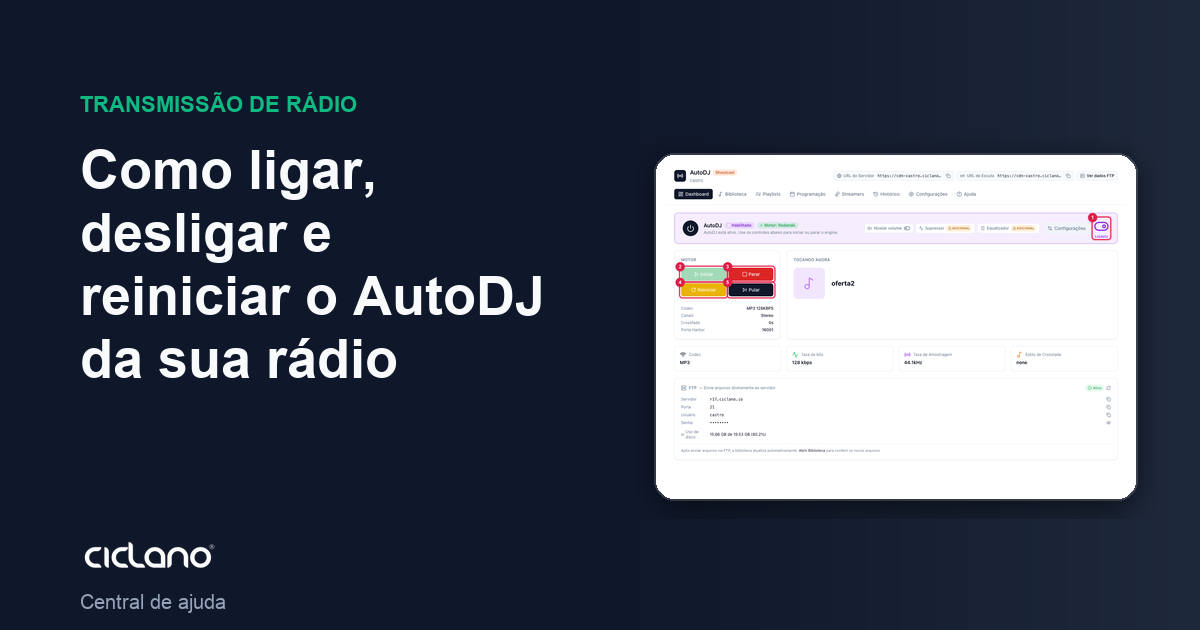
The Engine card on the Dashboard has the day-to-day AutoDJ controls. Each button does something different, and two of them make the radio go silent for a few seconds, so it is worth knowing when to use each one.
Where it is: Applications › your radio › AutoDJ › Dashboard.
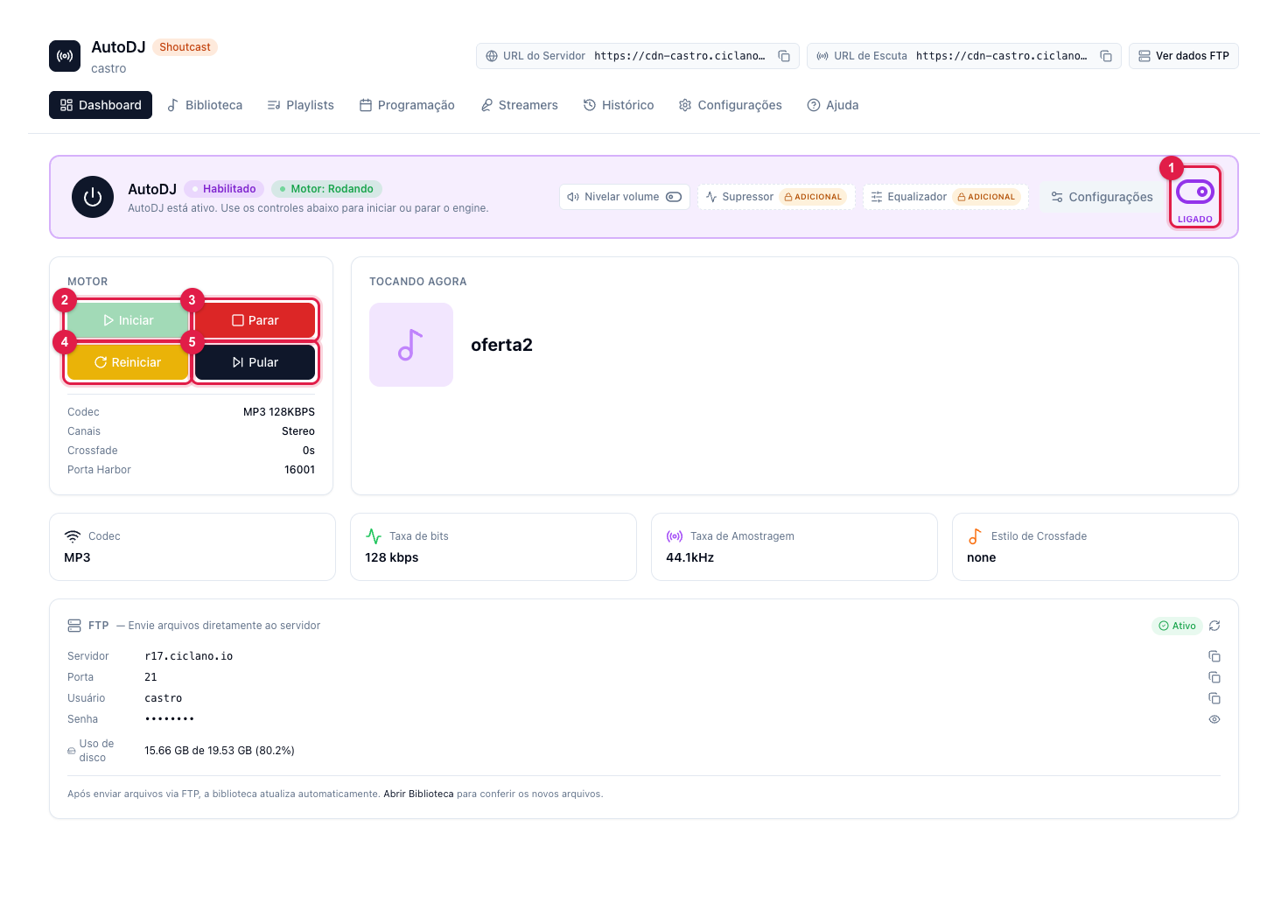
The numbers in parentheses refer to the image.
Turning AutoDJ on and off
The ON switch (1), in the top card, is AutoDJ's "circuit breaker" on this radio. Off, no playlist plays and the engine buttons are inactive. You only need to touch it when you want the radio to run only on live broadcasting.
The four engine buttons
- Start (2) — gets AutoDJ playing. Use it after a Stop, or when the engine shows as stopped.
- Stop (3) — silences AutoDJ. The radio stays silent until you start again (or until a DJ goes live). Use it only when you want to take AutoDJ off air on purpose.
- Restart (4) — stops and starts right after. It is needed after changing codec, bitrate, crossfade or audio processing: those settings only apply on the next start. The listener hears a few seconds of silence.
- Skip (5) — ends the current track and moves to the next, without stopping the engine. It is the "get this song off the air now" button.
What does not need a restart
Creating, editing or activating playlists, uploading music, changing the schedule and turning on the time announcement apply on the next song, without restarting. Restart (4) only when the screen says "Restart AutoDJ to apply".
What to do if…
- I clicked Start and nothing played. Check that there is an active General playlist with tracks. With no music in the library, AutoDJ plays the fallback file (or silence) set in How to configure AutoDJ.
- The Start button is greyed out. AutoDJ is disabled: turn on the ON switch (1) first.
- I restarted and the song started over. That is expected: a restart resets the queue.