What AutoDJ is and how the radio music rotation works
AutoDJ keeps your radio on air 24 hours a day playing from your library. Understand the order in which it decides what plays and what happens when someone goes live.
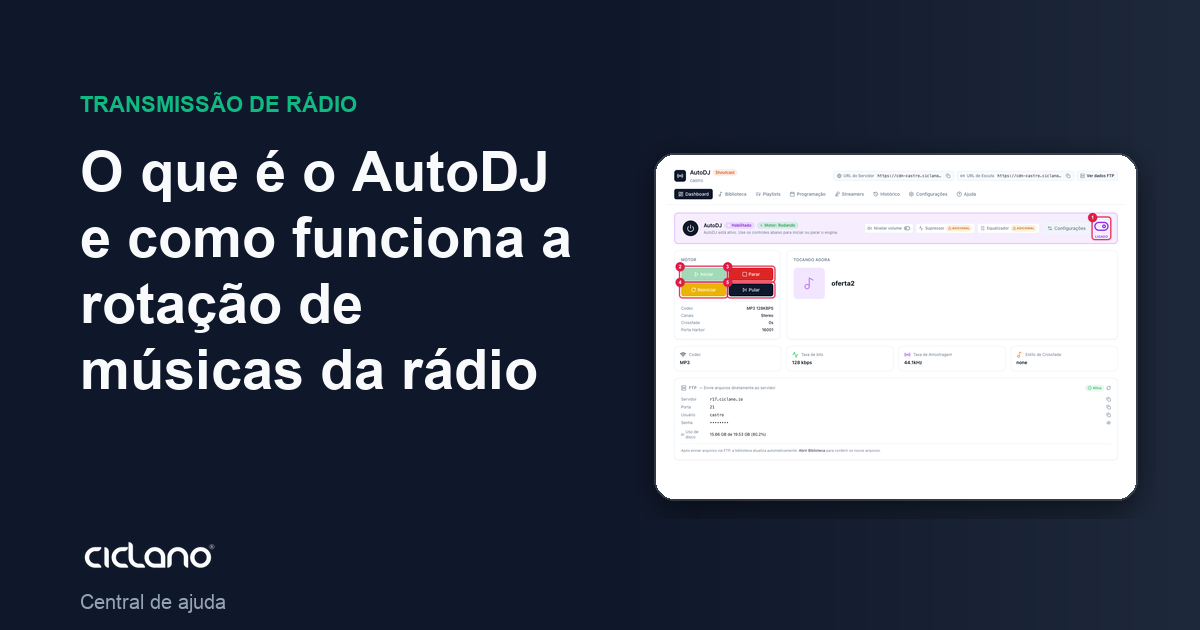
AutoDJ is our "automatic announcer": it plays the music you uploaded to the library, follows the schedule you built and keeps the radio on air 24 hours a day, even with nobody connected. When you (or a DJ) go live, it steps aside and comes back on its own when the live ends.
Where it is: Applications › your radio › AutoDJ › Dashboard.
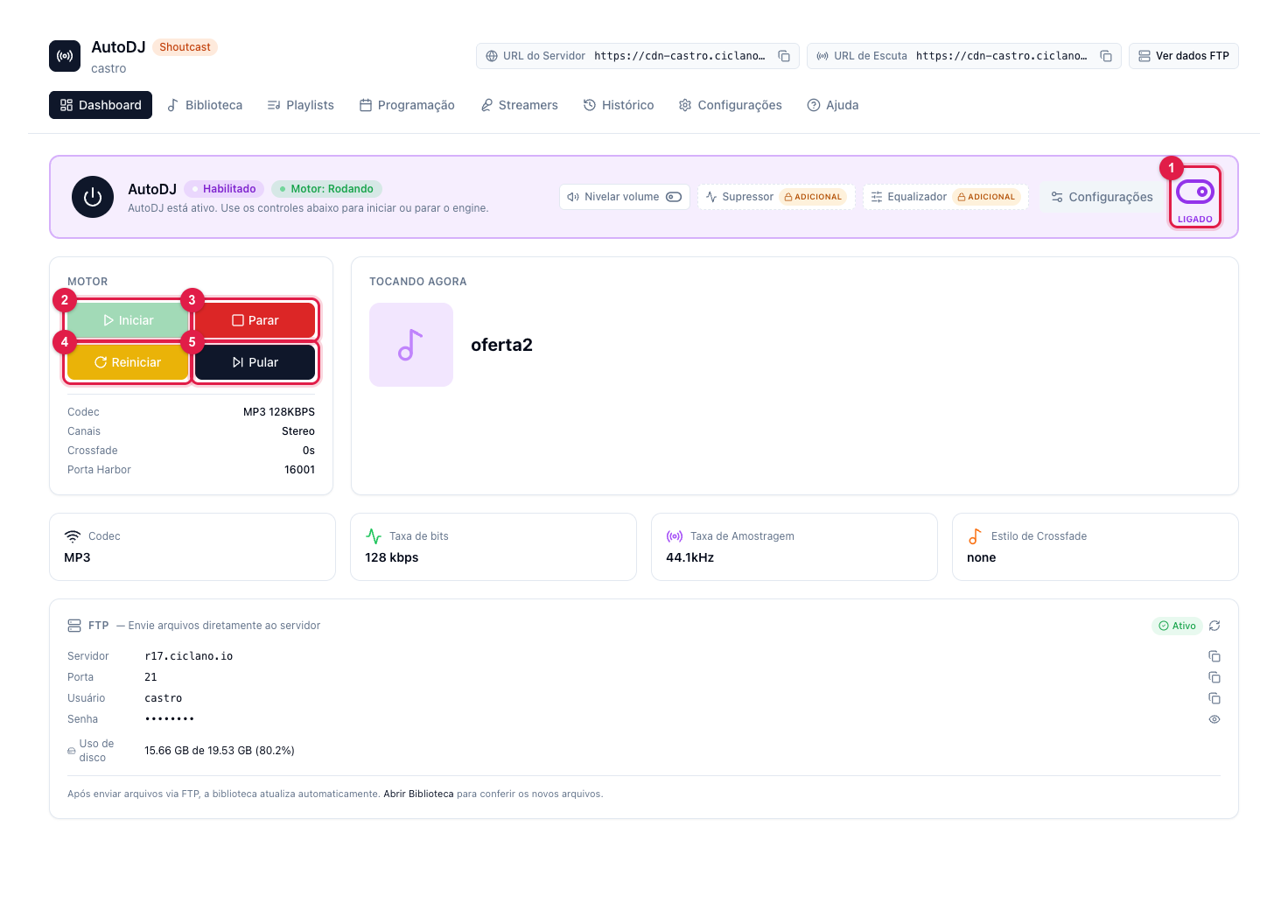
The numbers in parentheses refer to the image.
How it decides the next song
Every time a track ends, AutoDJ looks for what to play next in this order of priority:
- Time announcement — if it is time for the clock announcement, it comes first.
- Once (Immediately) — a playlist you told to play now, like an urgent notice.
- Scheduled — a show with a set day and time that is within its slot.
- Interval — commercials, jingles and spots whose turn has come (every X songs or X minutes).
- General — the radio's main rotation. It is where it takes songs from when nothing above is due.
In practice: your General playlist plays all the time; every so many songs the commercial break comes in; at show time the Scheduled playlist takes over; and the time announcement appears on the hour. Each type is explained in Which playlist type to use in AutoDJ.
What you see on the Dashboard
- Enabled / Engine: Running — AutoDJ is on and playing. The ON switch (1), in the corner of the top card, turns AutoDJ on or off for this radio.
- Engine — the Start (2), Stop (3), Restart (4) and Skip (5) buttons. See when to use each one.
- Now Playing — the current track, with cover art when the song has one.
- Codec, Bitrate, Sample Rate, Crossfade Style — the summary of the audio that goes out to the listener. Change it in How to configure AutoDJ.
- FTP — the data for uploading music in bulk (see How to upload music by FTP).
- Disk usage — how much of your plan's quota the library already takes. If Quota exceeded shows, uploads stop until you free space.
- Live DJ — shows when a streamer is connected on top of AutoDJ.
Live and AutoDJ coexist
When a DJ connects the encoder with their user (Streamers tab), AutoDJ pauses and the live takes over. When the DJ disconnects, AutoDJ resumes on its own. If you broadcast with the radio's main encoder and it drops, the option Enable AutoDJ automatically when the encoder drops (in AutoDJ Settings › General) puts AutoDJ on air so the radio does not go silent.
What to do if…
- The radio is silent. Check on the Dashboard that it is Enabled (1) and the engine is Running; if not, click Start (2). Then check that there is at least one active General playlist with songs (how to create the main playlist).
- It always plays the same songs. Use the Random without repetition order in the General playlist and check that it has enough songs.
- The show did not air on time. Run the Audit in the History tab: it tells what was scheduled, what played and why (How to see what played on the radio).