Live comments: how to read and reply in the panel
With the Comments switch on, the Home screen shows YouTube and Facebook comments in real time, and you reply from there. See what each network delivers (profiles without names, groups without comments) and how to turn it on.
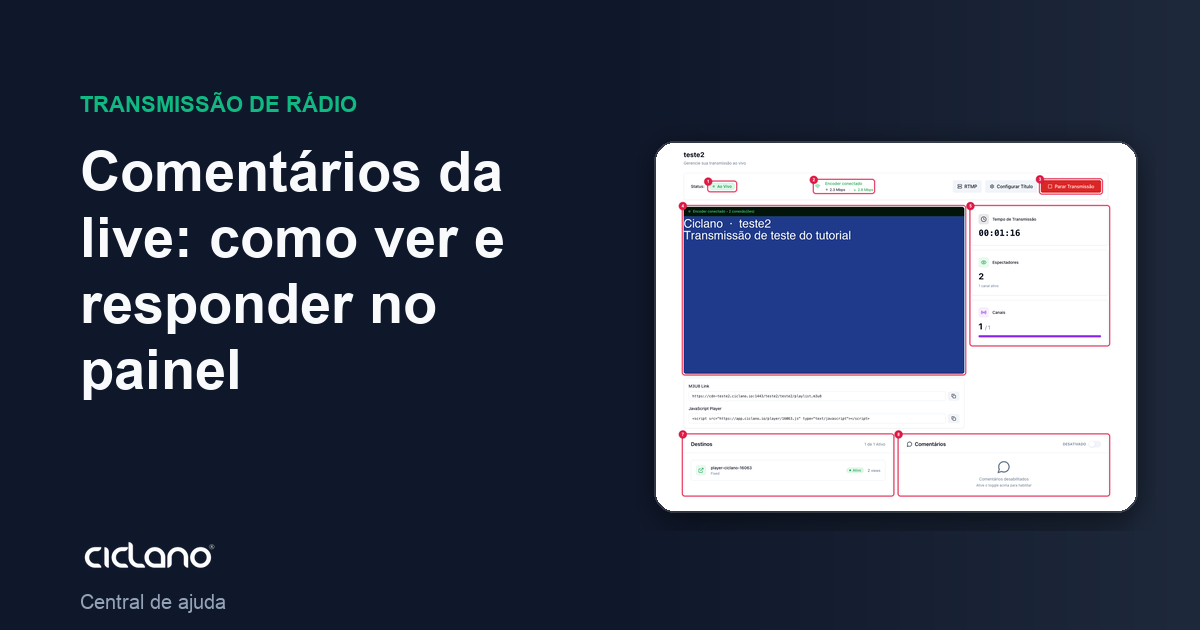
During the live, the comments from whoever is watching on YouTube and Facebook reach the panel, on the Home screen, and you can reply without opening each network. It is the panel of the presenter or of whoever moderates.
Where it is: Applications › your video application › Home › Comments block.
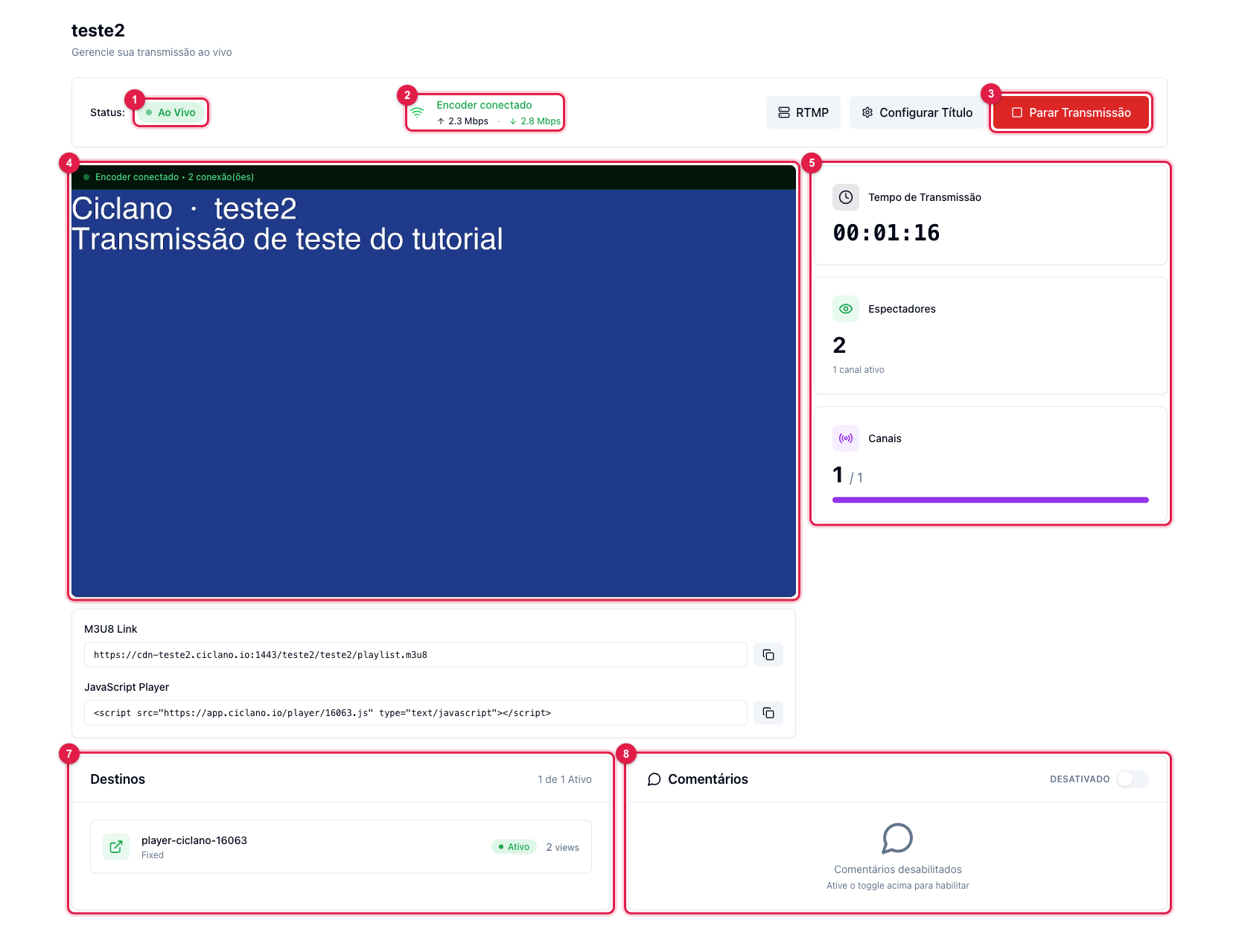
The numbers in parentheses refer to the image.
Turn on
In the Comments block (8), turn on the switch. The panel starts fetching the comments of the marked channels (7) and showing them in order, with name and photo when the network provides them. The option is saved for the next lives; turn it off if you do not want the panel to query the networks.
Reply
Write in the "Write a comment…" field and send: the reply is published on the source network, on behalf of the connected account. To reply to someone, click Reply on the comment; the panel shows "Replying to…" above the field.
What each network delivers
- YouTube — the live chat, with name and photo.
- Facebook page — comments with name and photo.
- Facebook profile (timeline) — Facebook delivers the comments without name and photo, for personal profile privacy. If attribution matters, broadcast to a page.
- Facebook group — Facebook does not expose comments of lives in groups; they do not show.
- Custom RTMP (Instagram, TikTok…) — no comments: those platforms do not deliver the chat over RTMP.
After the live
The comments are kept with the broadcast: in Statistics › Live › Details, in the Comments section, filterable by network. See Live statistics.