How to change your panel password
The panel password is changed in My Profile › Passwords & Security: current password, new password and confirmation. See the password rules, what it does not change (encoder, FTP, subaccounts) and what to do after changing it.
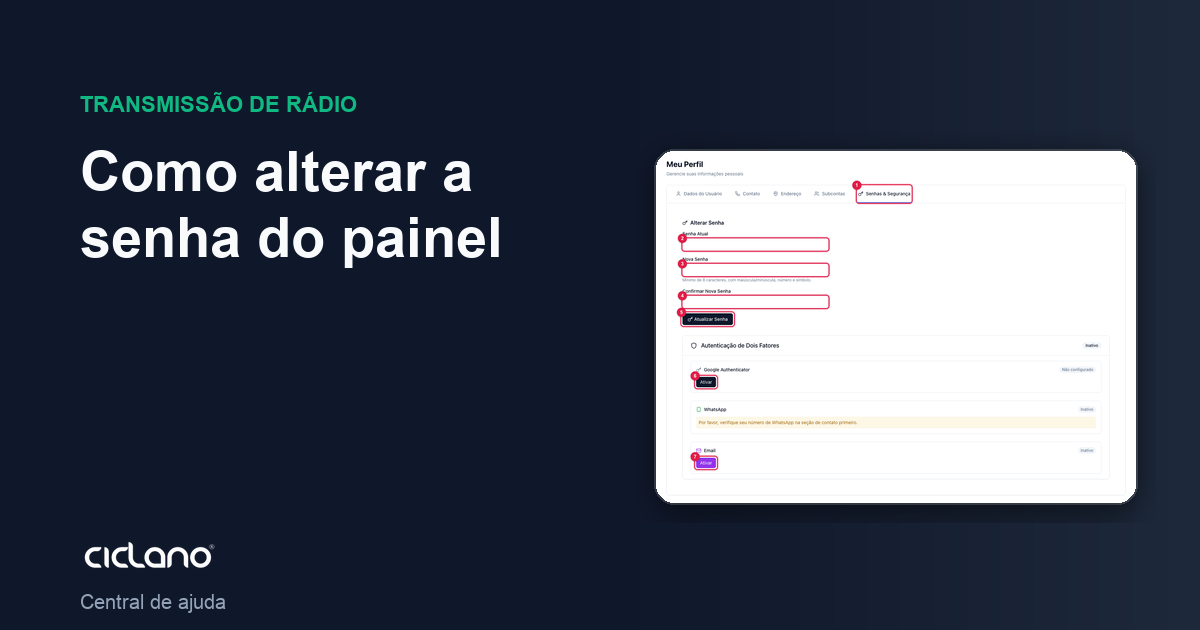
The panel password is the one you type on the login screen, together with your e-mail. Changing it takes a minute and touches nothing in the radio or the broadcast.
Where it is: menu under your name (top-right corner) › My Profile › Passwords & Security tab.
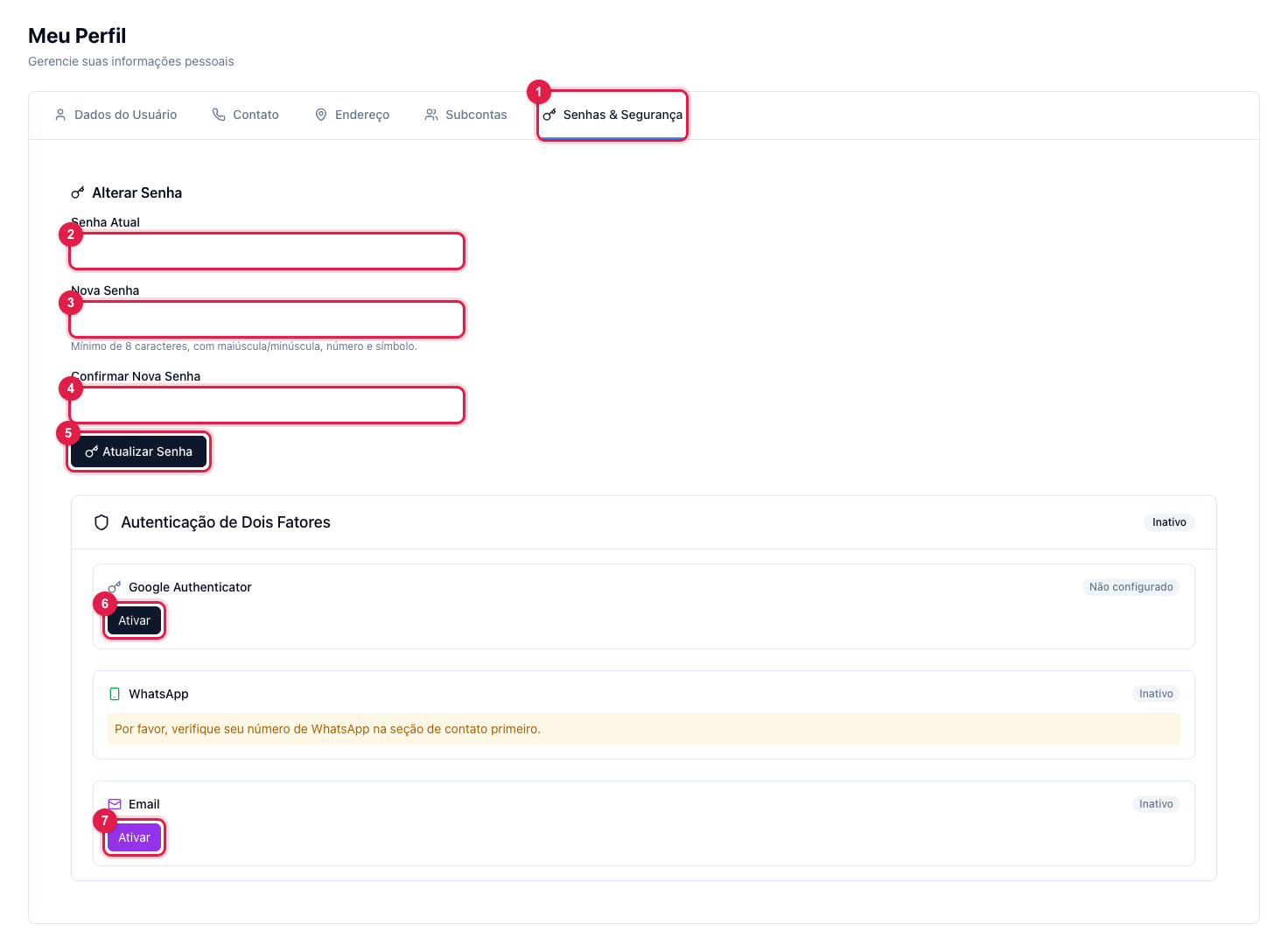
The numbers in parentheses refer to the image.
Step by step
- Click your name in the top-right corner and then My Profile.
- Open the Passwords & Security tab (1).
- Type the current password (2). Without it the change is refused — it is the proof that it is you.
- Type the new password (3) and repeat it in confirmation (4). The eye icon shows what was typed.
- Click Update Password (5). The new password applies from the next login.
Password rules
- At least 8 characters, with an uppercase letter, a lowercase letter, a number and a symbol (for example
Radio@2026— do not use that one). - Do not reuse the password of your e-mail, social networks or other sites: if one leaks, the others go with it.
- Prefer a phrase only you know over a word with a number at the end.
What the panel password does not change
- Encoder and FTP passwords of the radio — they are different, and live on the radio's screen (Encoder connection details).
- Subaccount passwords — each announcer or partner with access has their own password (Subaccounts).
- Social network passwords connected in Destinations — Ciclano never stores those; the connection is by authorization.
After changing
- If you suspect someone had your password, open Active Sessions, in the same menu, and end the sessions you do not recognize (Active sessions, password and two-factor).
- Turn on two-factor authentication (6 and 7): even with the password, nobody gets in without the code.
What to do if…
- "Current password is incorrect". You do not remember the current password: sign out and use Forgot my password — the e-mail reset does not ask for the old password.
- The new password is refused. Check the rules above; the confirmation (4) must be identical to the new password (3).
- I changed it and the encoder stopped. It was not the change: the encoder password is another one. See the radio's screen.