How to listen to the radio on Alexa: what the listener says and how to promote it
Once the skill is published, the listener only has to say "Alexa, open radio…". See the phrases that work, how to pause and resume, how to promote it to listeners and what to do when Alexa cannot find the radio.
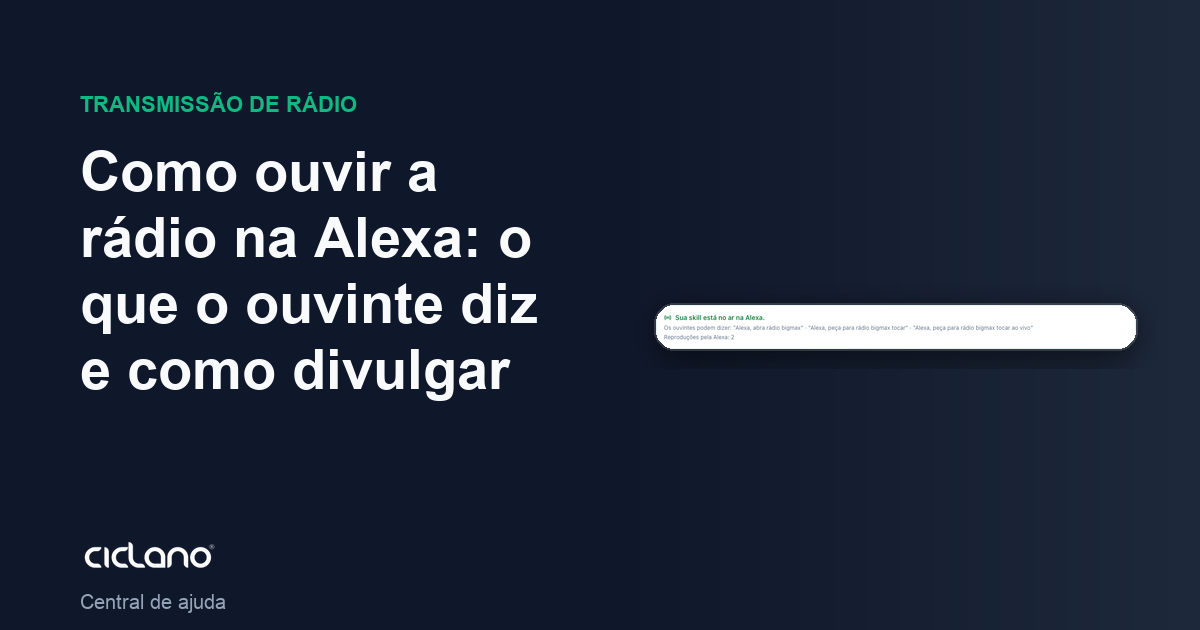
With the skill published, listening to the radio on Alexa is saying one phrase. Nothing to install: the skill is enabled on the spot, on the first request. This article is what you can pass along to your listeners.
Where it is: Applications › your radio › Integrations › Alexa › This radio's skill.

The numbers in parentheses refer to the image.
What the listener says
Everything revolves around the invocation name you set in the skill (in the example, radio bigmax). Any of these phrases opens the radio:
- "Alexa, open radio bigmax"
- "Alexa, ask radio bigmax to play"
- "Alexa, ask radio bigmax to play live"
Once the radio is playing, Alexa's normal commands apply: "Alexa, pause", "Alexa, resume", "Alexa, stop", and the volume ("Alexa, turn up the volume"). The radio plays the live stream, the same one that goes out on the website and in the apps.
Where it works
On any Alexa device: Echo, Echo Dot, Echo Show, Fire TV and the Alexa app on the phone. The listener needs Alexa set to the skill's language (Brazilian Portuguese for a pt-BR skill) and to be in a country where you marked availability (or in any country, if you marked none).
How to promote it
- Say it on air: "To listen to us on Alexa, just say: Alexa, open radio bigmax".
- Put the phrase on the website, on social media and in the Web Player description.
- The skill also shows in the Alexa skill store (in the app and on amazon.com) under the name you gave, with the logo and the description you wrote.
What to do if…
- "I couldn't find a skill with that name". The listener said the invocation name differently from what is registered, or their Alexa is in another language. Check the exact phrases on the skill page and ask them to speak slowly, with the full name.
- Alexa opens the skill but does not play. The radio is off air. Check the Home screen (how the panel works) and the universal link: if it does not play in the browser, Alexa will not play it either.
- I changed the invocation name and it stopped working. The change only applies after Amazon approves the update; until then, the old name applies. Follow it in How to put your radio on Alexa.
- I want to know how many people listen through Alexa. In My skills, open the skill's statistics.