Real-time listeners: who is listening to your radio now
The Statistics › Real-time screen shows who is connected at this instant, where they listen from and on which device, with the totals of the last 24 hours. See what each block means.
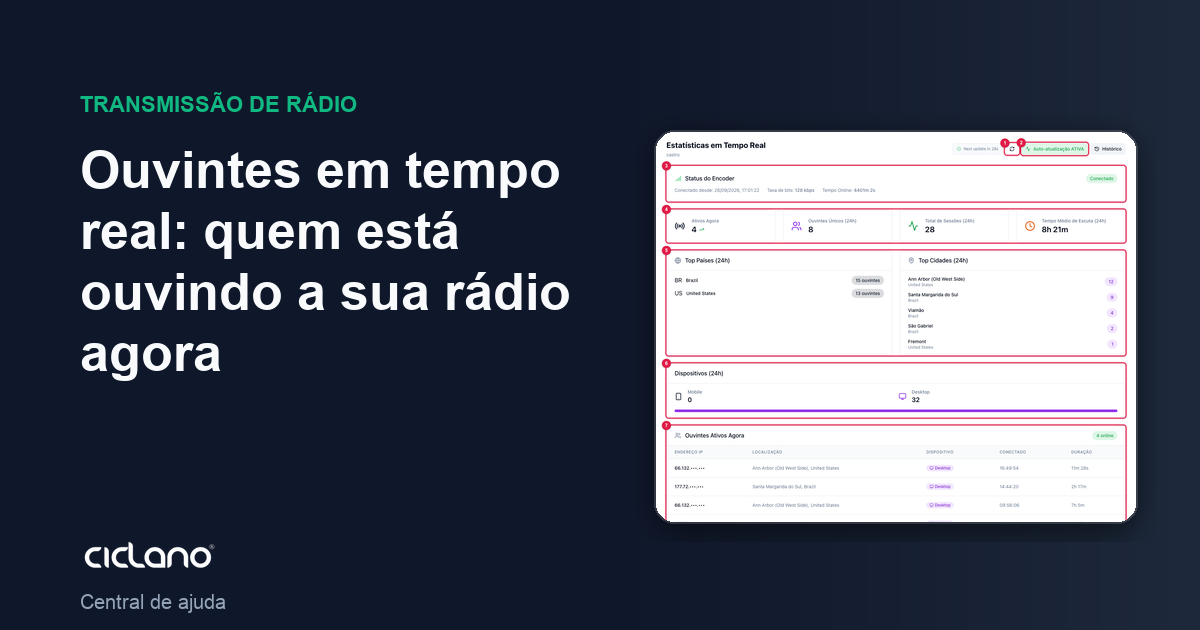
Want to know how many people are listening to the radio now, from which city and on a phone or a computer? That is the Real-time screen. It refreshes by itself every 60 seconds and combines the numbers of the moment with a summary of the last 24 hours.
Where it is: Applications › your radio › Statistics › Real-time.
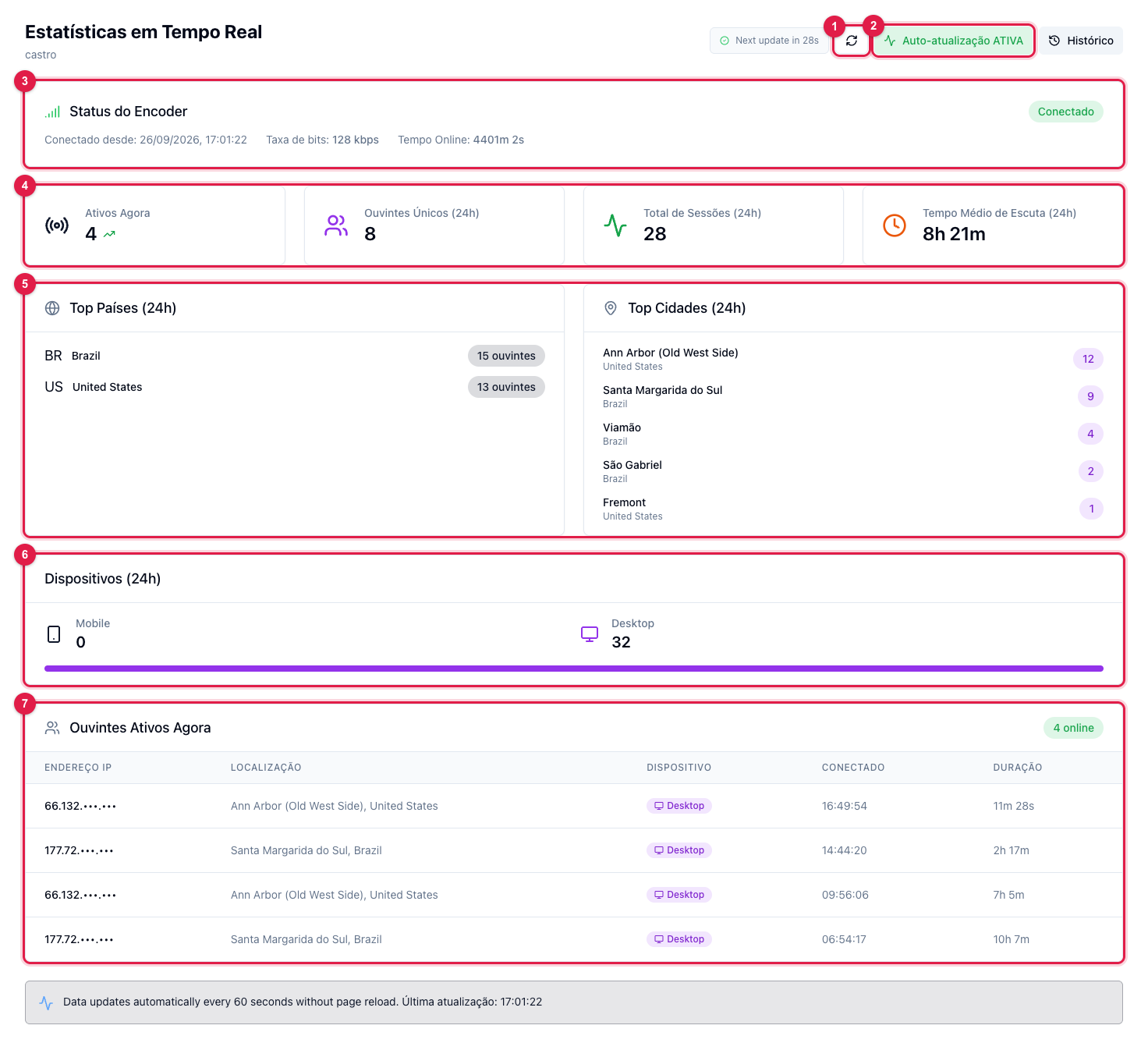
The numbers in parentheses refer to the image.
Refresh
At the top of the screen, the "next update in" counter shows when the numbers will refresh. Click refresh (1) so you do not have to wait. Button (2) turns auto-refresh off — useful when you want to look at a number calmly without it changing; click again to turn it back on. The History button, next to it, leads to the history screen.
Encoder Status (3)
Whether the audio source is Connected or Disconnected, since when, the bitrate coming in and the uptime. Encoder disconnected = silent radio, and the listeners table starts emptying.
The four cards (4)
- Active Now — how many people are connected this second. It is the number that matters when you announce something on air.
- Unique Listeners (24h) — how many different people listened in the last 24 hours (the same person who came and went several times counts as one).
- Total Sessions (24h) — how many connections there were. A person who listened in the morning and at night is two sessions.
- Average Listening Time (24h) — how long, on average, each session stayed on. The higher, the more your programming holds the listener.
From where and through what (5 and 6)
Top Countries and Top Cities (5) show where the listeners of the last 24 hours came from, by the IP address location. Devices (6) separates phones from computers. The location is approximate: mobile carriers sometimes show in the state capital, not in the person's city.
Listeners Active Now (7)
One row per open connection: IP address, location, device, time it connected and how long it has been listening. The same IP on several rows is usually a company or a house with several devices. If the list goes empty with the encoder connected, nobody is listening at this moment — the 24-hour history stays in the cards.
What to do if…
- The numbers do not match the Home screen card. The Home screen shows the server's reading; this screen cross-checks with the recorded history. Differences of one or two listeners for a few seconds are normal.
- It shows "Error updating. Retrying". The panel could not talk to the radio's server on the last attempt; it retries on its own in the next cycle.
- I want to see previous days. Use Listener history.