Radio server monitoring: what each line means
Encoder and port status, connected encoders, bitrate, bytes received and sent, now playing and last update: what each line of the Server Monitoring card says about your radio.
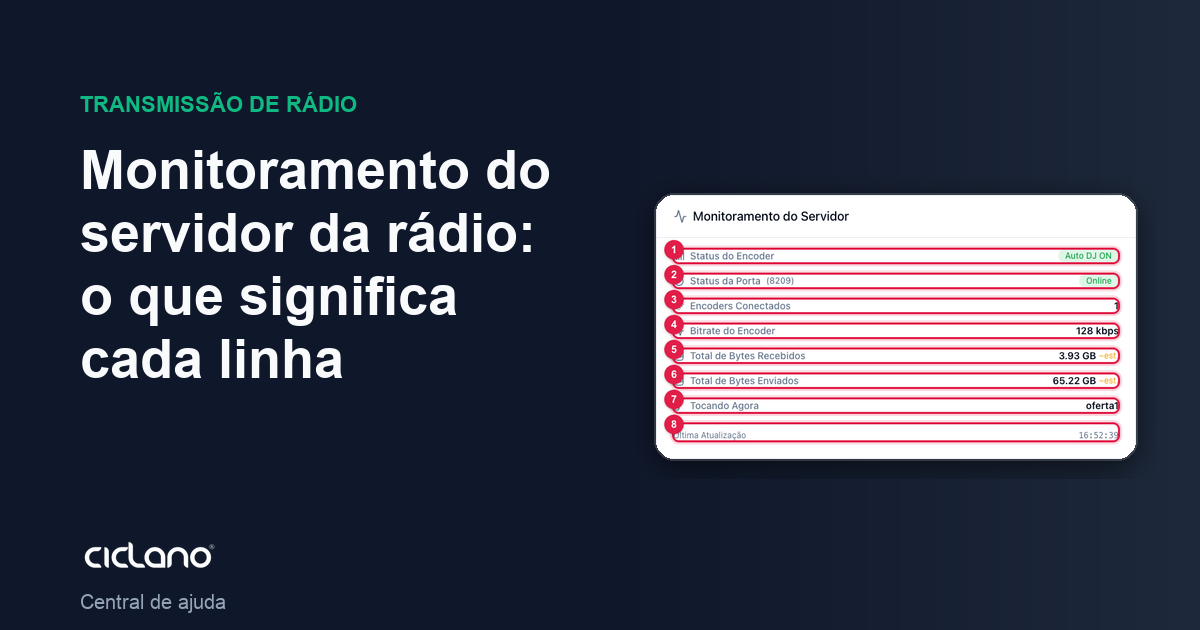
The Server Monitoring card, on the Home screen, is the live reading of your radio's server. It updates by itself and is the first place to look when something seems wrong.
Where it is: Applications › your radio › Home › Server Monitoring.
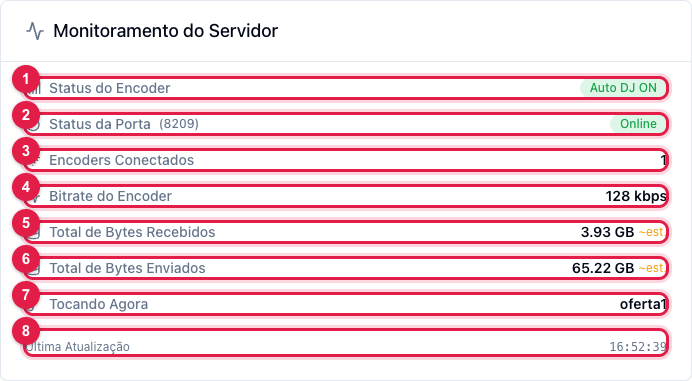
The numbers in parentheses refer to the image.
- Encoder Status (1) — where the audio comes from: Auto DJ ON (AutoDJ is playing), Encoder Connected (someone live) or Encoder Disconnected (no audio: the radio is silent).
- Port Status (2) — Online or Offline, with the port number in parentheses. Offline means the server is off and nobody can listen, even with the encoder on.
- Connected Encoders (3) — how many audio sources are connected to the port now. Normal is 1 (AutoDJ or an encoder). Zero with the port online means a silent radio.
- Encoder Bitrate (4) — the quality of the audio coming in, in kbps. If the encoder is set to 128 and another value shows here, the server is receiving something else.
- Total Bytes Received (5) — how much audio the server received from the encoder. Total Bytes Sent (6) — how much was delivered to listeners; it grows with the audience. On Shoutcast servers both are estimates (Shoutcast does not report the real bytes), hence the "est." label.
- Now Playing (7) — the title the encoder or AutoDJ is sending. It is the same text the listener sees in the player.
- Last Update (8) — the time of the last reading from the server. If it stops advancing, the panel lost contact with the server.
Reading the card in practice
- Port Online + Auto DJ ON + bitrate filled in = radio on air through AutoDJ.
- Port Online + Encoder Disconnected + 0 encoders = server on, radio silent. Turn on AutoDJ or connect the encoder.
- Port Offline = nobody listens. Click Start at the top of the screen (see how).
- Now Playing empty with the encoder connected = the encoder is not sending the title; the audio plays normally.
What to do if…
- It shows "Server unreachable" or "Checking..." for a long time. The panel cannot reach the radio's server. Wait and reload; if it continues, open a ticket stating the time.
- The bitrate is lower than my plan's. The encoder (or AutoDJ) sets the bitrate sent. Adjust it in the encoder or in How to configure AutoDJ.